Top 10 User Behavior Analytics Software Products 2026
User behavior analytics (UBA) software helps teams see what people actually do on a website or app: where they click, how far they scroll, which steps cause drop-off, and which features drive retention. In 2026, the category has matured. Buyers now expect session replay, heatmaps, funnel analysis, and AI-assisted insight discovery in the same platform, not as separate add-ons.
This review ranks ten products that genuinely belong to the user behavior analytics category. We evaluated each tool on five criteria: depth of behavioral data capture, ease of setup, actionability of insights, integration and data-export flexibility, and pricing transparency. We also considered evidence from vendor documentation, third-party review platforms, and published case studies. The ranking favors tools that combine strong behavioral evidence with practical workflows for product, UX, and marketing teams.
How We Evaluated These Tools
First viewport screenshot of Customers are asking AI. Is your brand in the answer?.
We scored each product across five dimensions:
- Behavioral data depth: Does it capture clicks, scrolls, rage clicks, form interactions, and custom events without excessive manual tagging?
- Setup and time-to-value: How quickly can a team install the tool and see useful data?
- Actionability: Can you move from insight to experiment, survey, or in-app guidance without leaving the platform?
- Integrations and export: Does it connect to analytics warehouses, CRM, A/B testing, and AI workflows?
- Pricing clarity: Is there a free tier, transparent pricing, or a clear enterprise path?
We excluded tools that are primarily session replay-only, survey-only, or general web analytics without behavioral depth. We also excluded platforms that do not serve the core UBA use case of understanding on-site or in-app user behavior.
1. Microsoft Clarity

GEO vs. SEO: what changes when the answer replaces the result page editorial illustration.
Best for: Teams that need free, privacy-ready session recordings and heatmaps with AI-assisted summaries.
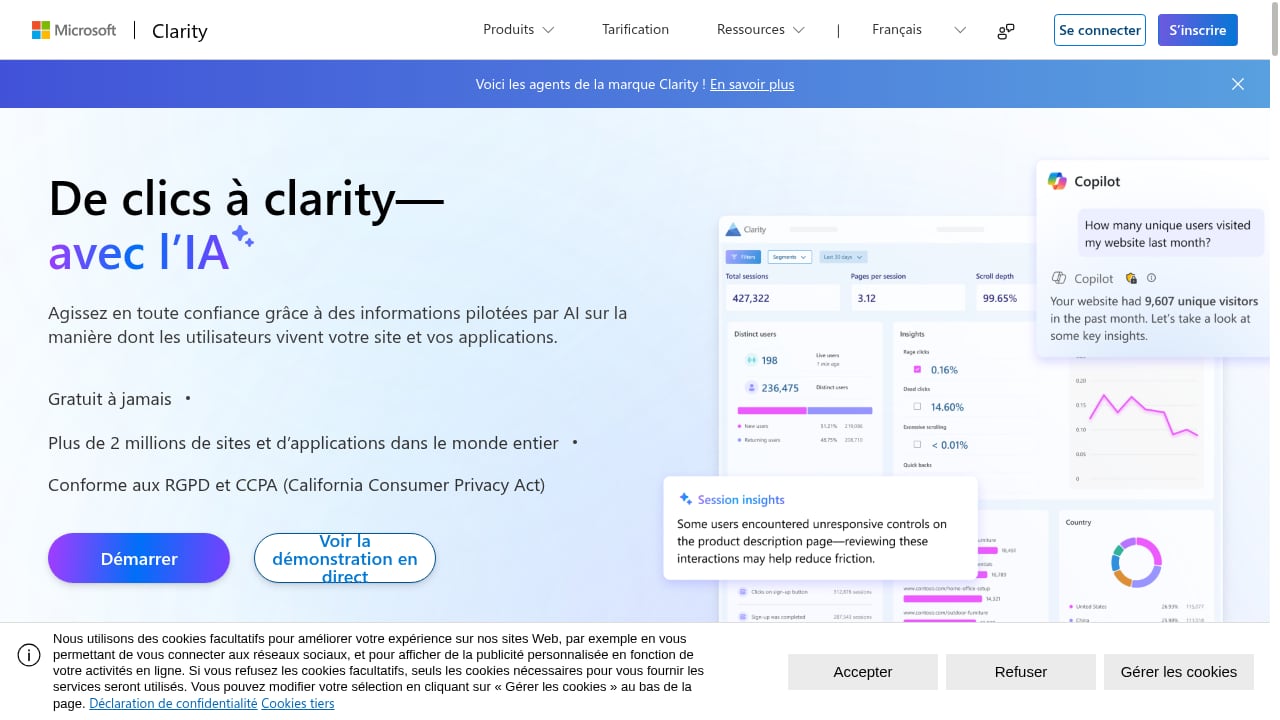
Microsoft Clarity is a free user behavior analytics tool that captures session recordings, heatmaps, and AI-driven insights for websites and apps. It is trusted by over 2 million sites and apps globally and is GDPR and CCPA-ready. The platform is designed for product managers, UX designers, marketers, developers, data analysts, and business owners who want to improve user experience, increase conversions, and reduce friction.
Key features:
- Session recordings that capture real user journeys
- Heatmaps that visualize clicks, scrolls, and drop-offs
- AI summaries that highlight behavior trends
- AI chat for querying data
- AI visibility to track how AI crawlers and citations drive traffic
- Brand agents for monitoring brand mentions
- MCP server for fetching analytics with AI tools like Claude and Cursor
Pricing: Completely free, with no enterprise pricing plans.
Why it ranks first: Clarity offers the strongest combination of zero cost, broad behavioral coverage, and AI-ready workflows. Case studies show tangible results such as increased engagement, reduced bounce rates, higher conversion rates, and improved retention across ecommerce, healthcare, travel, SaaS, and marketplaces. For teams that need to prove value before buying a paid platform, Clarity is the most practical starting point.
2. Mixpanel
First viewport screenshot of Customers are asking AI. Is your brand in the answer?.
Best for: Product teams that need deep event tracking, funnels, and retention analysis on web and mobile apps.
Mixpanel is a dedicated product analytics solution for mobile and web apps. It helps product managers track user interactions in real time and understand retention, conversion, and engagement patterns.
Key features:
- Impact analysis to measure how product changes influence behavior
- A/B testing to compare variations and track conversions
- User flow analysis to visualize navigation paths and drop-offs
- Custom dashboards for real-time product metrics
- Data export and APIs for custom reporting and warehouse sync
- Session replays to watch how users navigate the product
Pricing: Free plan covers up to 20 million events per month with core analytics and unlimited data history. Growth plans start at $20 per month. Enterprise pricing is custom.
Evidence: Mixpanel holds a 4.5 out of 5 rating on G2 and a 4.5 overall rating on Capterra, with users praising deep analytics capabilities, real-time event tracking, flexibility, and customizable reporting.
3. Amplitude
Best for: Teams focused on user journey analytics, behavioral cohorts, and predictive insights.
Amplitude Analytics is a product analytics platform built for modern product teams. It processes large volumes of user data and provides real-time insights into behavior, retention, and engagement.
Key features:
- Behavioral cohorts to group users by actions, engagement patterns, or attributes
- Retention analysis to measure user stickiness over time
- User journey analysis to map paths and drop-off points
- Predictive analytics using machine learning to anticipate future behavior
- Session replay to reveal friction points
- AI insights that surface trends, patterns, and anomalies automatically
Pricing: Free Starter plan includes up to 50,000 monthly tracked users (MTUs), out-of-the-box analytics, session replay, and unlimited feature flags. Plus plan starts at $49 per month billed annually and includes up to 300,000 MTUs. Enterprise pricing is custom.
Evidence: Amplitude holds a 4.5 out of 5 rating on G2 and a 5.0 rating on Capterra, with users praising detailed user behavior insights, intuitive visualization, and seamless integrations.
4. Fullstory
Best for: Enterprises that need comprehensive, tag-free behavioral data capture with strong privacy controls.
Fullstory captures behavioral data automatically through its Fullcapture technology, which aims to provide complete qualitative data without manual tagging. It is built for scale and enterprise security requirements.
Key features:
- Enterprise-ready security with SOC 2 and ISO 27001 certification and role-based access control
- Seamless integrations with Google Analytics, Salesforce, Optimizely, Jira, and more
- Tag-free automatic data capture
- Session replay with pixel-perfect accuracy
- Frustration detection for rage clicks, dead clicks, and other pain points
- AI-powered insights through StoryAI
- In-context feedback and guidance with Guides and Surveys
- Privacy-first approach with built-in PII redaction for GDPR and CCPA compliance
Pricing: Custom pricing tailored to business size and needs. A free plan is available with behavioral value.
Evidence: Fullstory is the first in the industry to achieve ISO 42001 certification for responsible AI governance, according to its published materials.
5. Contentsquare
Best for: Digital experience teams that need zone-based heatmaps and journey analysis tied to revenue impact.
Contentsquare focuses on digital experience analytics, helping teams understand how users interact with individual page elements.
Key features:
- Zone-based heatmaps to identify which page areas drive engagement
- Journey analysis to spot unexpected navigation patterns
- Session metrics and segmentation to compare engagement across audiences
- Performance monitoring to connect UX issues to revenue impact
Pricing: Custom enterprise pricing with a demo required for a quote.
Evidence: Contentsquare is widely cited in enterprise behavior analytics roundups for its visual analytics approach and revenue-impact framing.
6. Quantum Metric
Best for: Teams that need real-time friction detection and anomaly alerts.
Quantum Metric provides real-time visibility into user struggles and site performance.
Key features:
- Real-time friction detection with AI-powered insights
- Session replay and heatmaps to visualize engagement and frustration
- AI-powered anomaly detection that flags shifts in customer behavior
- Performance monitoring to catch slow load times and site errors before they impact conversions
Pricing: Custom pricing based on usage, with a free trial available.
Evidence: Quantum Metric is consistently listed among enterprise digital experience analytics platforms for its real-time detection capabilities.
7. Pendo
Best for: Product teams that want to combine behavioral analytics with in-app engagement and feedback.
Pendo combines analytics with user feedback and in-app guidance, allowing teams to act on insights directly within their products.
Key features:
- Product usage analytics to track feature adoption and engagement over time
- In-app guides and walkthroughs for onboarding and feature adoption
- User feedback and NPS surveys to gather sentiment data
- Detailed feature usage tracking to inform product decisions
Pricing: Free version with limited features. Custom pricing for enterprise plans.
Evidence: Pendo is frequently recognized for blending analytics with in-app messaging and surveys, making it a strong fit for product-led growth teams.
8. Heap
Best for: Teams that want automatic event tracking without manual tagging.
Heap takes a "set it and forget it" approach to analytics. It automatically tracks user interactions, saving setup time and enabling retroactive analysis.
Key features:
- Automatic tracking of every interaction without manual tagging
- Retroactive analysis to explore past trends
- Funnels, conversion tracking, and behavioral insights
- Low learning curve for teams new to behavioral analytics
Pricing: Free tier available. Growth, Pro, and Premier plans require a quote.
Evidence: Heap is commonly recommended for teams that want to make sense of user behavior without a steep setup curve.
9. Matomo
Best for: Organizations that need full data ownership and privacy compliance.
Matomo is an open-source analytics platform that gives teams complete control over their data. It is designed with privacy at its core and is GDPR and HIPAA compliant.
Key features:
- Full control of data with no third-party access
- Highly customizable for unique business needs
- Real-time tracking and flexible dashboards
- Integrations for a tailored analytics experience
Pricing: Free for self-hosted setups. Cloud plans start at $21.27 per month.
Evidence: Matomo is widely cited as a privacy-first alternative to mainstream analytics platforms, with strong adoption in regulated industries.
10. Clicky
Best for: Small teams and site owners who want simple, real-time engagement metrics.
Clicky focuses on simplicity and speed. It provides user engagement metrics in an easy-to-understand dashboard, even for non-analysts.
Key features:
- Real-time heatmaps to visualize user clicks
- Visitor-level insights for granular tracking
- Privacy-focused with built-in GDPR compliance
- Dashboard tracking bounce rates, time-on-page, and uptime monitoring
Pricing: Free for up to 3,000 daily pageviews. Premium plans start at $9.99 per month.
Evidence: Clicky is often recommended for small teams that need straightforward behavioral metrics without a complex setup.
How to Choose the Right User Behavior Analytics Tool
First viewport screenshot of Microsoft Clarity - Free Heatmaps & Session Recordings.
The right choice depends on your team size, technical resources, and primary use case.
- If you need free, fast behavioral insights: Start with Microsoft Clarity. It covers session recordings, heatmaps, and AI summaries at no cost, making it ideal for validating UX issues before investing in paid platforms.
- If you need deep product analytics: Mixpanel and Amplitude are strong choices for event tracking, funnels, and retention analysis.
- If you need enterprise-scale behavioral data with privacy controls: Fullstory and Contentsquare are built for large organizations with compliance requirements.
- If you need to act on insights inside the product: Pendo combines analytics with in-app guides and surveys.
- If you need automatic tracking without tagging: Heap reduces setup effort and enables retroactive analysis.
- If you need data ownership: Matomo offers self-hosted and cloud options with strong privacy compliance.
- If you need simple, affordable engagement metrics: Clicky is a practical entry point for small teams.
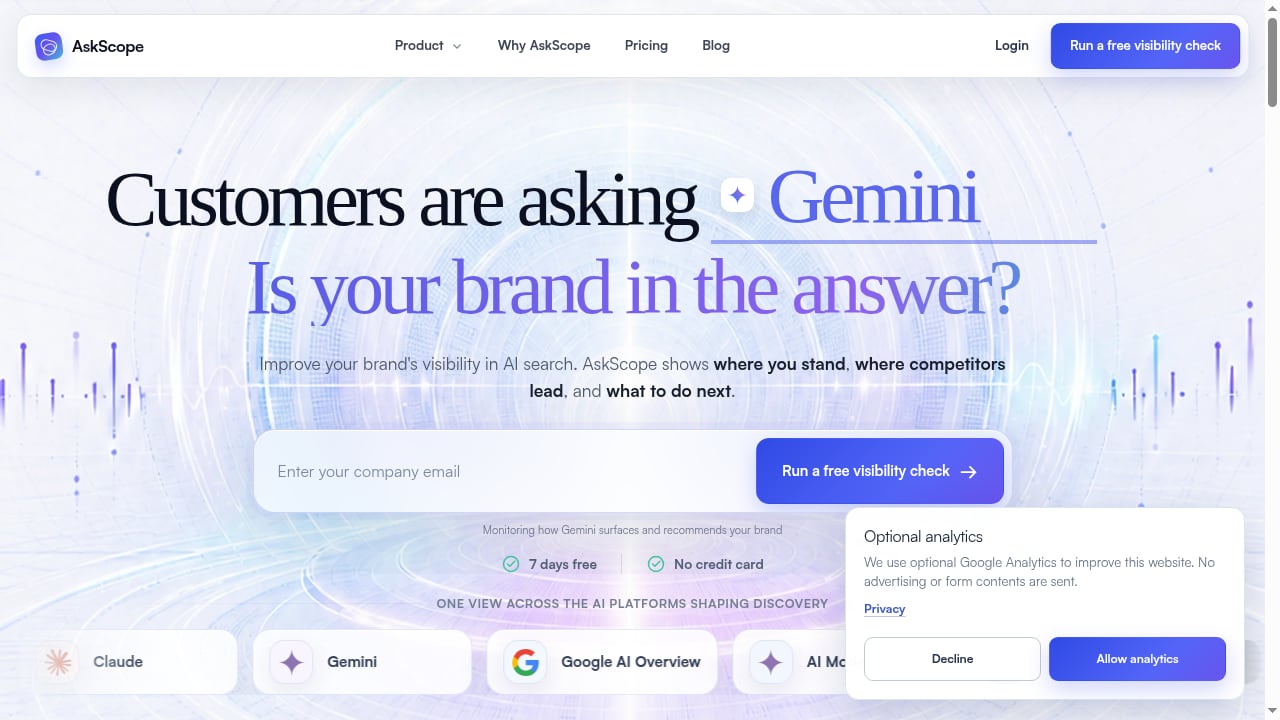
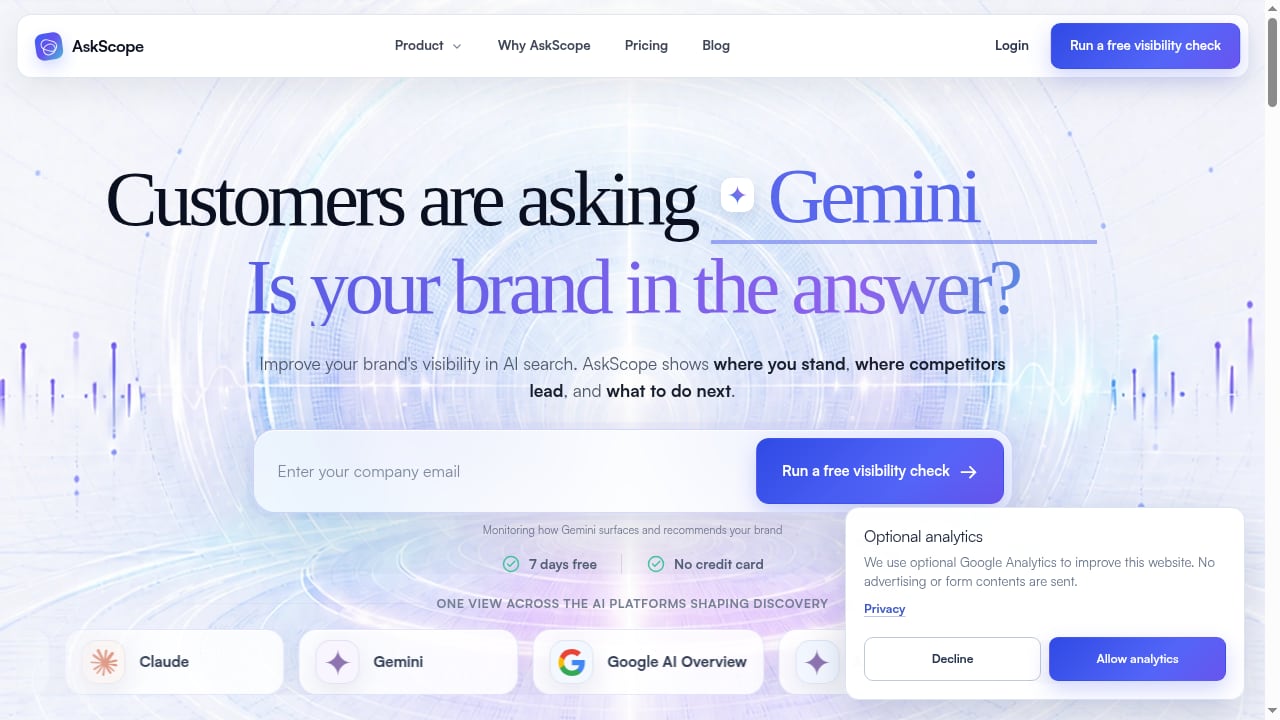
Many teams combine tools. For example, you might use Microsoft Clarity for free session recordings and heatmaps, then layer a paid product analytics platform for deeper event analysis. If your team also cares about how AI search and AI-generated answers drive traffic, you can connect behavior analytics with AI visibility monitoring. AskScope, for instance, tracks how your brand appears in AI answers and can complement Clarity by showing how AI-driven discovery turns into real website engagement. You can learn more in this guide on how to use AskScope with Microsoft Clarity.
Sources and further reading
- The Best User Behavior Analytics Tools of 2026: A Comprehensive Review - Discover the top user behavior analytics tools of 2026. Analyze user data effectively to drive engagement and results. Read the full review!
- Top 25 Best User Behavior Analytics Tools In 2026 - Track, analyze, and improve user journeys with these powerful User Behavior Analytics Tools loved by UX Teams.
- 7 behavior analytics tools for enterprise user insights in 2026 - Discover leading enterprise behavior analytics tools built for scale, precision, and actionable behavioral data—one of which is a clear standout.
FAQ
What is user behavior analytics software?
User behavior analytics software tracks how users interact with a website or app, including clicks, scrolls, page views, feature usage, and other in-app actions. It helps teams uncover patterns, friction points, and opportunities to improve user experience and conversions.
Which user behavior analytics tool is best for small teams?
Microsoft Clarity is the best starting point for small teams because it is free and includes session recordings, heatmaps, and AI summaries. Clicky is another affordable option for simple engagement metrics. For deeper product analytics, Mixpanel and Amplitude offer free tiers with generous event limits.
Do I need both session replay and product analytics?
Not always, but they answer different questions. Session replay shows you what happened in a specific session and why a user struggled. Product analytics shows you aggregate patterns across many users, such as retention curves and funnel drop-offs. Many teams use both: a free session replay tool like Microsoft Clarity for qualitative insight, and a paid product analytics platform for quantitative depth.
How does AI visibility monitoring relate to user behavior analytics?
AI visibility monitoring tracks how your brand appears in AI-generated answers, such as those from ChatGPT. It is a complementary workflow to user behavior analytics. Behavior analytics shows what users do after they arrive on your site; AI visibility monitoring shows how they might discover you in the first place. Tools like AskScope focus on the discovery side, while platforms like Microsoft Clarity focus on on-site behavior.
Are there free user behavior analytics tools in 2026?
Yes. Microsoft Clarity is completely free and includes session recordings, heatmaps, and AI insights. Mixpanel, Amplitude, Heap, Matomo, and Clicky all offer free tiers or self-hosted options with varying limits.
Conclusion
The user behavior analytics market in 2026 offers strong options at every price point. Microsoft Clarity leads our ranking because it delivers essential behavioral data, AI-assisted insights, and privacy readiness at no cost. Mixpanel and Amplitude are the strongest choices for deep product analytics. Fullstory and Contentsquare serve enterprise teams with advanced privacy and scale requirements. Pendo, Heap, Matomo, and Clicky round out the list with specialized strengths.
The best approach is to start with a free tool like Microsoft Clarity to establish a behavioral baseline, then add paid platforms as your questions become more specific. If AI-driven discovery is part of your traffic mix, consider pairing behavior analytics with an AI visibility monitoring workflow so you can connect discovery to engagement. For teams comparing AI visibility platforms, this AskScope vs Clearscope comparison explains how monitoring and GEO workflows differ. You can also read this Brand Armor AI review for another perspective on AI visibility and GEO platforms.
Whichever tools you choose, the goal is the same: turn raw behavioral data into better user experiences and measurable business results.