How to Use AskScope with Microsoft Clarity
AI search engines now answer questions before users ever reach your website. That means your brand can be recommended by ChatGPT, cited in an AI overview, and still leave you guessing what happens next. AskScope shows how your brand appears inside AI-generated answers; Microsoft Clarity shows what visitors actually do once they arrive. Used together, they close the loop between AI visibility and on-site behavior.
This guide explains how the two tools complement each other, how to set them up side by side, and what problems the combination solves for lean marketing teams.
Why AI visibility and user behavior belong together
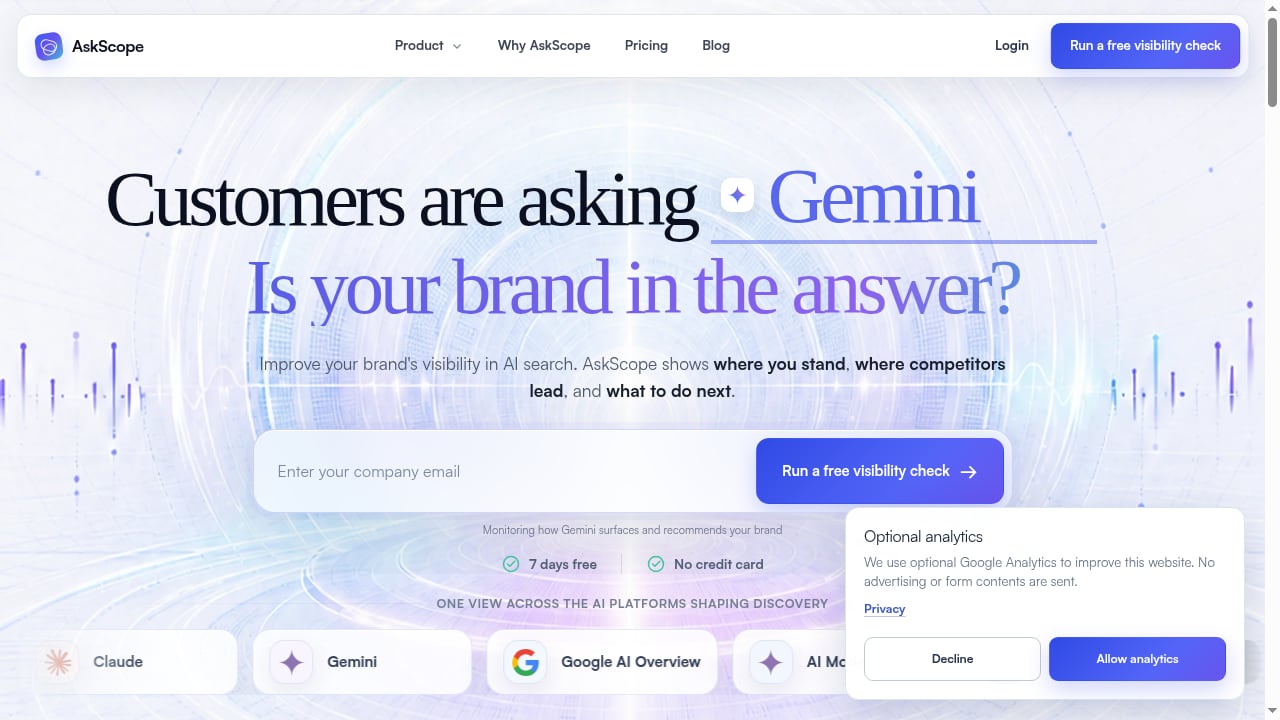
First viewport screenshot of Customers are asking AI. Is your brand in the answer?.
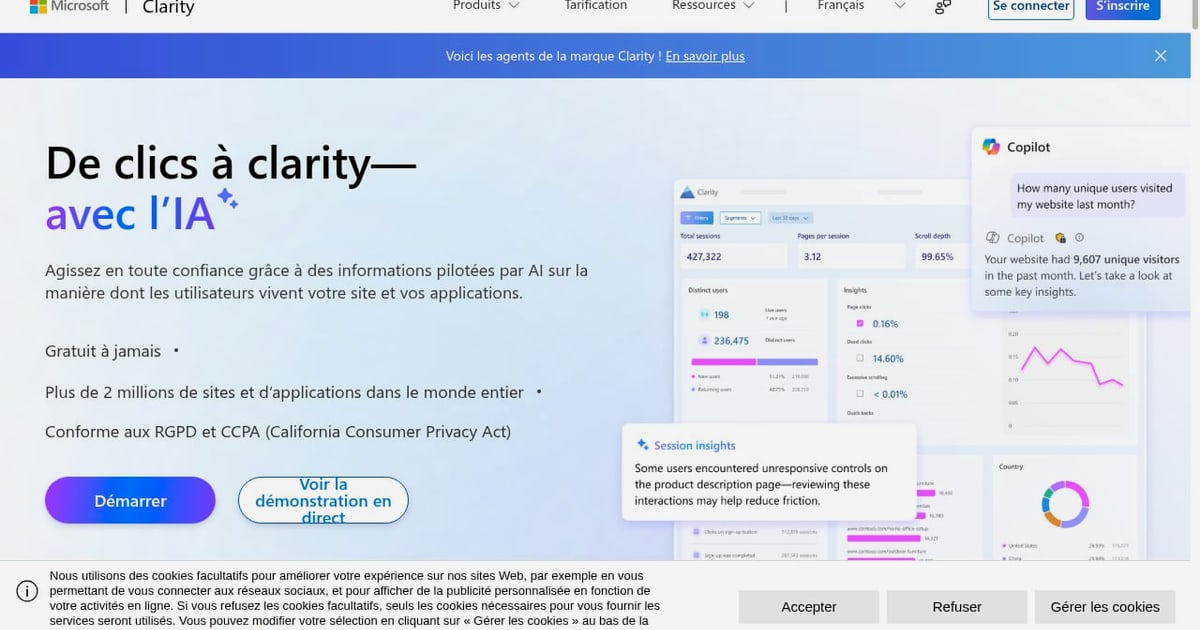
AskScope is a self-serve AI visibility and GEO platform. It tracks how your brand is mentioned in AI answers, where it ranks in those answers, how positions change over time, which competitors get recommended instead, and which sources shape the responses. It also provides prioritized recommendations, tasks, and content tools so you can act on what you find.
Microsoft Clarity is a free user behavior analytics tool. It records real sessions, builds heatmaps of clicks, scrolls, and drop-offs, and surfaces AI-driven summaries, AI chat for querying data, AI visibility for tracking AI crawlers and citations, and brand agents for monitoring mentions.
On their own, each tool answers half a question:
- AskScope answers: Are we visible in AI answers, and what should we change?
- Clarity answers: Once people land on our site, what do they do?
Together they answer the question that matters most: Does improved AI visibility actually produce engaged visitors and conversions?
How the two tools fit into one workflow

GEO vs. SEO: what changes when the answer replaces the result page editorial illustration.
Think of the pairing as a four-stage loop.
1. Discover where AI recommends you
Start in AskScope. Run a visibility check or begin a trial and monitor the prompts that matter to your category. You will see which prompts mention your brand, which competitors appear instead, and which citations feed the answers.
2. Publish or adjust content
Use AskScope's recommendations and content tools to create or refine pages that answer the prompts where you are weak. This is the GEO execution layer: writing for the questions AI systems are already answering.
3. Watch what happens on-site
When AI-driven visitors arrive, Microsoft Clarity records their sessions and heatmaps. You can see whether they scroll, where they hesitate, and where they leave. Clarity's AI visibility feature also helps track how AI crawlers and citations drive traffic.
4. Feed behavior back into visibility work
If a page earns AI citations but visitors bounce immediately, the content may match the prompt but not the intent. Use Clarity recordings to diagnose the gap, then update the page in AskScope and retest.
Setup: connecting AskScope and Microsoft Clarity
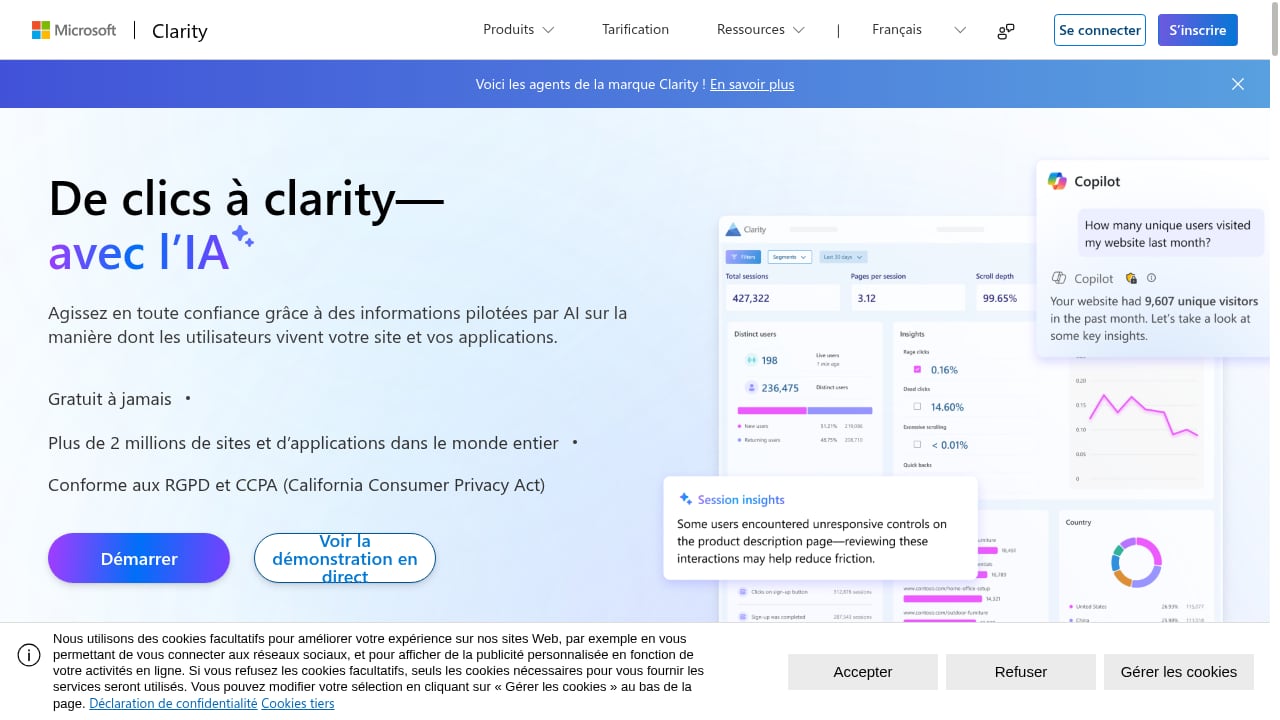
First viewport screenshot of Microsoft Clarity - Free Heatmaps & Session Recordings.
You do not need a native integration to benefit from both. The workflow is intentionally simple.
Step 1: Install Microsoft Clarity on your site
Add the Clarity tracking script to your website or app. Clarity is free and designed to be quick to deploy. Once installed, it begins capturing session recordings and heatmaps automatically.
Step 2: Set up AskScope monitoring
Create your AskScope account, run the free visibility check, or start the seven-day trial with daily ChatGPT monitoring across 40 prompts. Choose prompts that reflect how your customers actually search and ask questions.
Step 3: Tag AI-driven traffic in Clarity
Use Clarity's filtering and segmentation to isolate visitors coming from AI sources. Referral traffic from AI assistants often arrives without a clear search keyword, so segment by referrer, landing page, or campaign parameters you add to links you control.
Step 4: Build a shared review rhythm
Set a weekly or biweekly review where you look at AskScope visibility changes alongside Clarity session data. Keep it short: one visibility metric, one behavior metric, one action.
Practical examples
Example 1: A cited page that does not convert
AskScope shows your brand is cited for a high-intent prompt, but Clarity recordings reveal visitors scroll past the answer and leave within seconds. The fix is usually structural: move the direct answer higher, add a comparison table, or clarify pricing. Update the page, then retest in AskScope.
Example 2: A competitor is recommended instead
AskScope identifies a competitor appearing in prompts where you are absent. Clarity shows which of your existing pages already attract similar visitors. You can strengthen that page rather than starting from scratch, then monitor whether AI answers begin to include you.
Example 3: AI traffic lands on the wrong page
Clarity shows AI referrals arriving on a blog post instead of your product page. Add a clear internal link or call to action, then track whether session depth improves.
What the combination solves
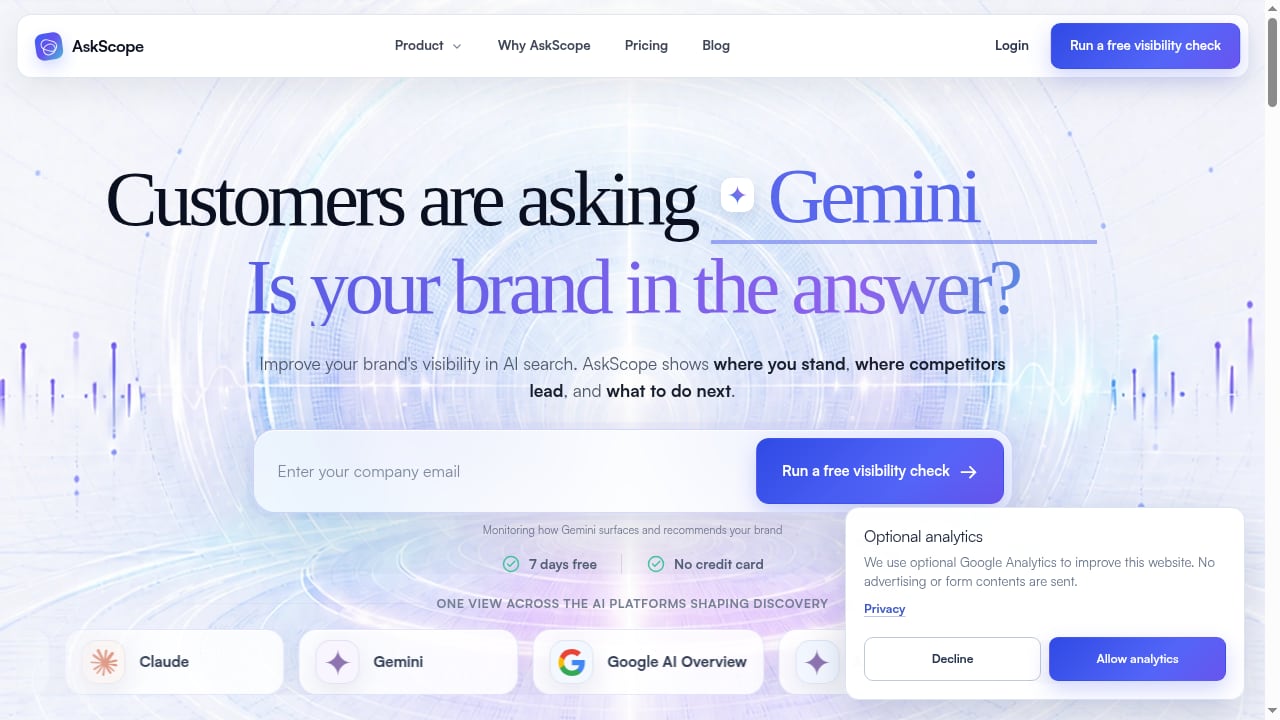
First viewport screenshot of Customers are asking AI. Is your brand in the answer?.
- Attribution confusion: You can see both the AI answer that mentioned you and the on-site behavior that followed.
- Content guesswork: Instead of publishing blindly, you act on visibility gaps and validate with real sessions.
- Wasted effort: You stop optimizing pages that already perform and focus on prompts where competitors win.
- Slow feedback loops: Visibility changes and behavior changes are reviewed together, so you learn faster.
When to use one tool instead of both
If your only question is whether AI systems mention your brand, AskScope alone is enough. If your only question is how visitors behave on-site, Clarity alone covers it. The combination matters when you need to connect AI discovery to on-site outcomes, which is the situation most lean marketing teams face.
For a closer look at how AskScope compares with other visibility platforms, see AskScope vs Clearscope: AI Visibility Tools Compared. If you are evaluating alternative GEO platforms, this Brand Armor AI review covers monitoring, prompt tracking, and content workflows.
Sources and further reading
- Project Management Essentials Cheat Sheet | Ahavah Unlimited ... - If you
- Career Readiness Guide - George Mason University - Practice your pitch out loud 1–2 times, focusing on clarity over perfection. ... Maintained a database of artifacts using Microsoft Access. American Apparel ...
- How to Write an RFP That Potential Contractors Will Love - A developer-focused guide to writing clear, practical RFPs that attract better proposals and set software projects up for success.
FAQ
Do AskScope and Microsoft Clarity integrate natively?
No native integration is required. You run both tools in parallel and connect them through a shared review workflow and consistent tagging of AI-driven traffic.
Is Microsoft Clarity free?
Yes. Clarity is a free user behavior analytics tool trusted by millions of sites and apps, and it is designed to be GDPR and CCPA-ready.
Can Clarity show AI referral traffic?
Clarity's AI visibility features help track how AI crawlers and citations drive traffic. Combined with referrer and landing-page segmentation, you can isolate AI-driven visits.
How long before I see results?
AskScope's trial includes daily ChatGPT monitoring across 40 prompts, so visibility changes can appear within days. Clarity session data accumulates as traffic arrives.
Do I need technical skills to set this up?
No. Both tools are built for non-technical users, including marketers, product managers, and business owners.
Conclusion
AskScope tells you whether AI systems recommend your brand. Microsoft Clarity tells you what happens when those recommendations turn into visits. Running them together gives lean marketing teams a complete loop: monitor AI visibility, act on gaps, observe real behavior, and refine. Start with a free visibility check in AskScope and a Clarity script on your site, then build a simple weekly review around both.